Heartopia Download Guide
Short answer: download Heartopia only from official platform pages, keep extra storage free, bind your account, then claim active codes before starting long farming routes.
Last updated: 29 May 2026 · Official platform links should be checked again before account or payment decisions.
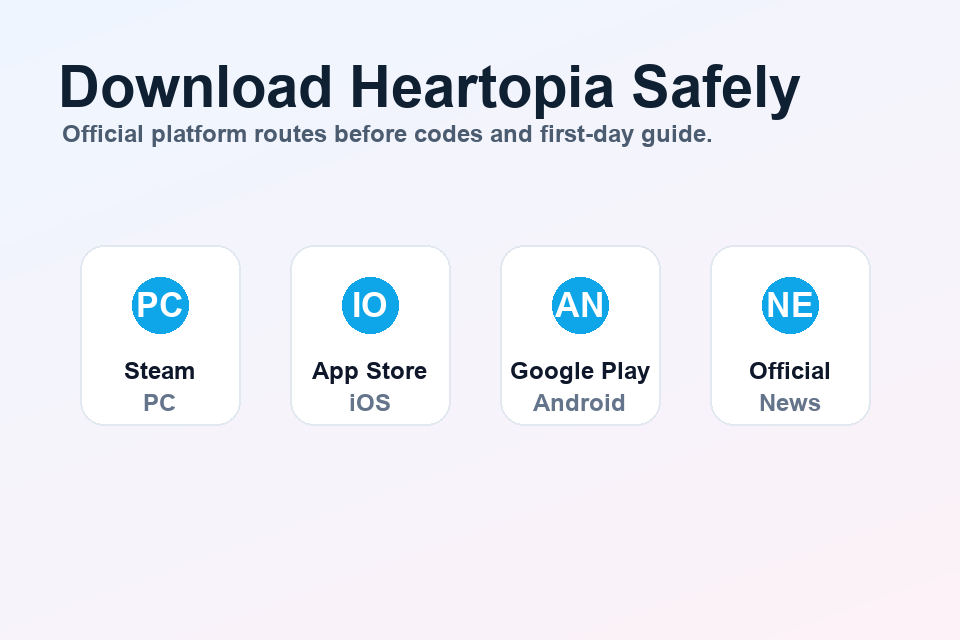
Setup Table
PC, iOS, Android, storage, and first steps
| Platform / Check | What to do | Player note | Status |
|---|---|---|---|
| PC / Steam | Use the Steam page, check requirements, update the client, and launch from your library. | Best for longer house design and route testing sessions. | Source checked |
| iOS | Use the App Store when available in your region and keep room for patches. | Good for quick daily checks and code claims. | Source checked |
| Android | Use Google Play or official links only. Avoid random APK mirrors. | Unofficial files can create account and device risk. | Needs re-check by region |
| Storage | Keep extra free space beyond the first install size. | Patch downloads can fail when storage is tight. | Player reported |
| Network | Use stable Wi-Fi for first install, update, login, and reward claiming. | Interrupted updates can look like login or missing reward problems. | Player reported |
| Account safety | Bind your login and save your UID/profile screenshot before reinstalling or switching devices. | Use official support for account, refund, and payment problems. | Source checked |
First 15 Minutes
What to do after installing
Unlock enough menus before opening long guides.
Use free rewards before farming materials.
Beginner, fishing, recipes, pets, or map route.
Save first copies and rare items.
Use official channels for account or payment problems.
Common Problems
Fix download issues safely
Not available
Check official platform and region notes instead of using unofficial downloads.
Update stuck
Restart the store client, check Wi-Fi, and free storage before reinstalling.
Login issue
Use the same login method and official support if the account does not appear.
Missing rewards
Check mailbox, popup, and inventory before submitting proof.
FAQ
Download quick answers
Can I play Heartopia on PC?
Use the Steam page for the latest PC details and requirements.
Can I play Heartopia on mobile?
Use App Store or Google Play when available in your region.
Should I download an APK?
Avoid unofficial APK mirrors. Use official channels only.
What should I do first after installing?
Claim codes, follow the beginner guide, and keep rare items in storage.
Related Guides
Use next
Beginner Guide
First route after installing.
Cross Platform
Account and device notes.
Multiplayer
Play with friends safely.
Correction
Send install or platform notes.